Ecamm Live is now
Ecamm. Along with our new name comes a fresh brand identity and a renewed focus on what we’ve always believed: creating professional video should feel powerful, intuitive, and authentically you, without needing a full production team.
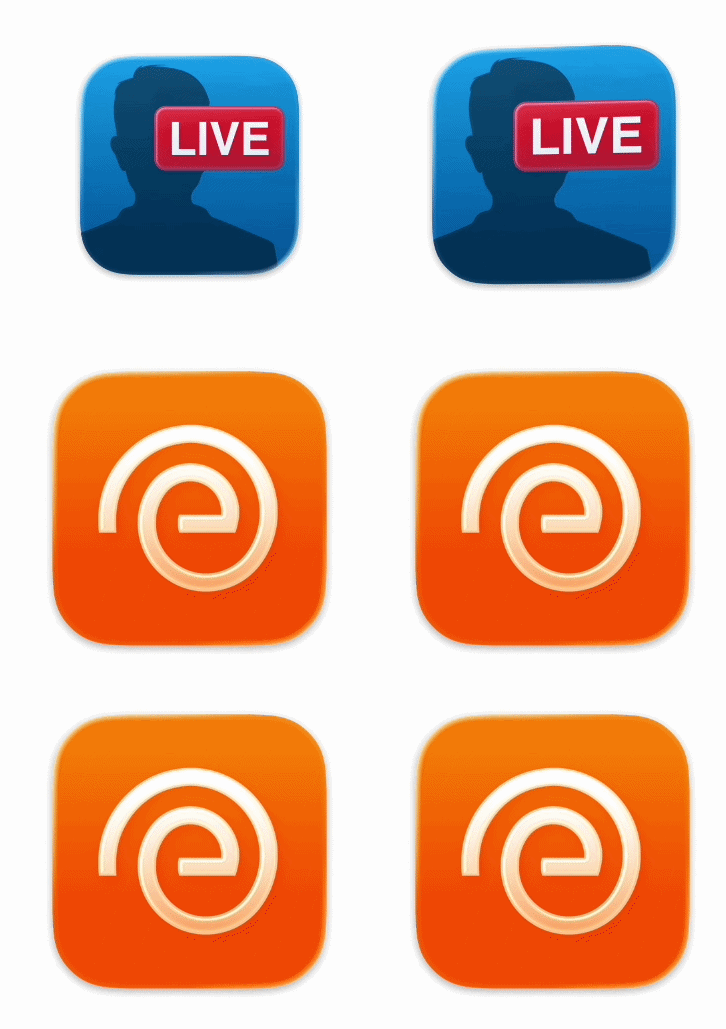
This next chapter of Ecamm brings a cleaner look and new tools designed for how creators actually make content today.
We’ve been hard at work enhancing and updating Ecamm
to make it the best video production software out there, and we’re excited to share our latest update with you.
If you’re brand new to Ecamm, you can try out all of our latest features by
downloading our free trial. If you have Ecamm already, you can just use the
Check For Updates menu item in the app to update to the latest version.
Create for Every Platform at the Same Time
Today’s creators don’t publish in just one format. Your audience is watching on YouTube, LinkedIn, TikTok, Instagram, and more — each with its own ideal layout and aspect ratio. Until now, creating for multiple platforms meant compromises: cropping, editing later, or recording multiple versions of the same video.
Dual Mode changes that completely.
With Dual Mode, Ecamm lets you design horizontal and vertical video simultaneously, in a single session, with full creative control over each format. Build a polished YouTube layout on your horizontal canvas while designing a vertical-first experience for TikTok, Instagram, or LinkedIn, all at the same time.
Instead of duplicating content and fixing it in post-production, you can intentionally design each format live. Move cameras, resize overlays, and customize layouts independently for each canvas while keeping key elements synchronized. The result? One recording session, multiple professional outputs, and zero extra editing.
Whether you're creating video podcasts, live streams, webinars, presentations, or social content, Dual Mode helps you reach more platforms without adding more work.

Quickly find the right scene with the new grid view. Visual thumbnails give you an at-a-glance preview of every scene, so you can switch with confidence during live recordings and streams.
Finally, add MP4 or MOV files as overlays and play them with sound. Control volume, position, size, borders, and more — perfect for intros, clips, reactions, and video elements in your show.
Streaming to platforms with different resolution limits? No problem. Ecamm now encodes additional streams at their required resolution so you can stream at your highest quality without worrying about platform restrictions. And it's completely automatic.
When viewers send YouTube emojis or animated Super Stickers during your live stream, they now appear in Ecamm's Comments window, making it easy to highlight audience support and bring those fun moments directly onto your show.
Adjustable Interface Font Size
You asked and we listened! There's a new slider in General Preferences to increase the font size in Scenes, Overlays and Sound Effects outline windows for improved readability.